
Google Play Store
Google Play Store is Google's digital distribution platform for Android, used to find, install and update apps, games and books.
101.1 MB

1.0.968680808 · Google LLC · Page updated
Android Switch is Google's app for copying data such as photos, contacts, messages and apps from an old phone to a new Android phone.
Average 0.0 · ratings: 0
Thank you! Your rating is saved; you can change it. Could not save the rating. Please try again later. Too many ratings from your network today. Please try again tomorrow. The average appears after 5 ratings.
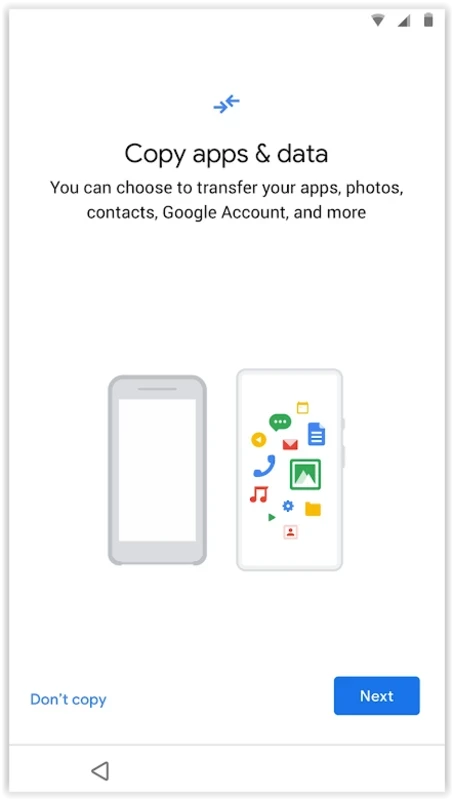
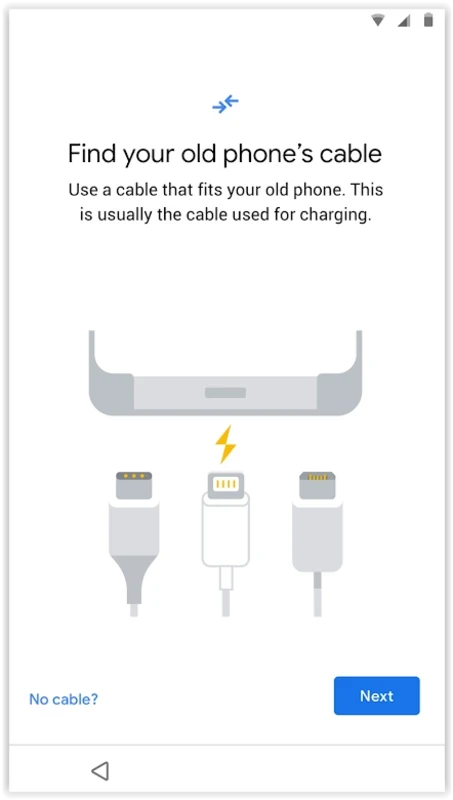
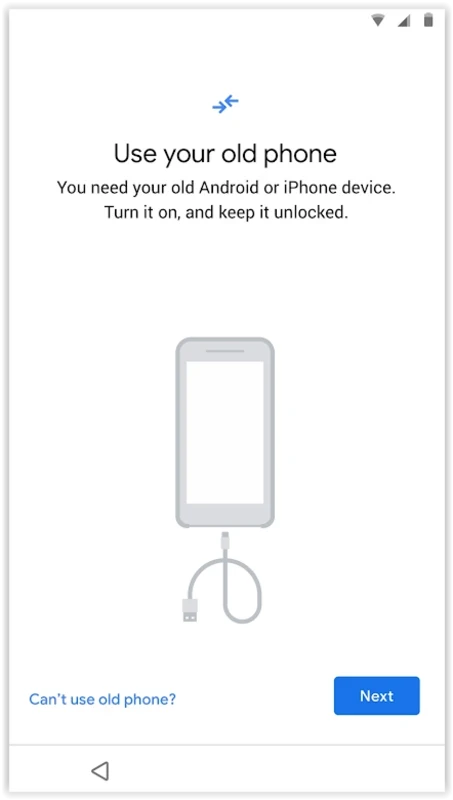
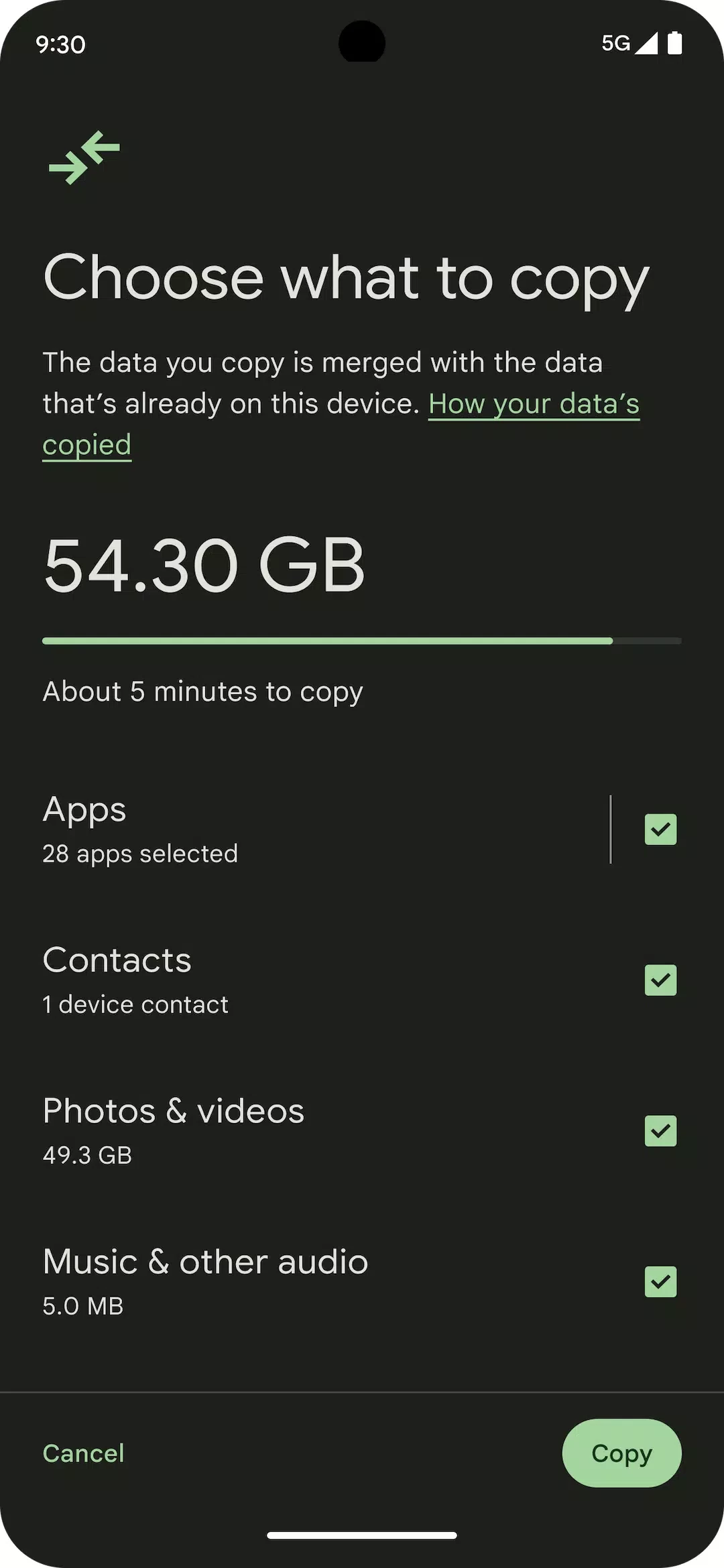
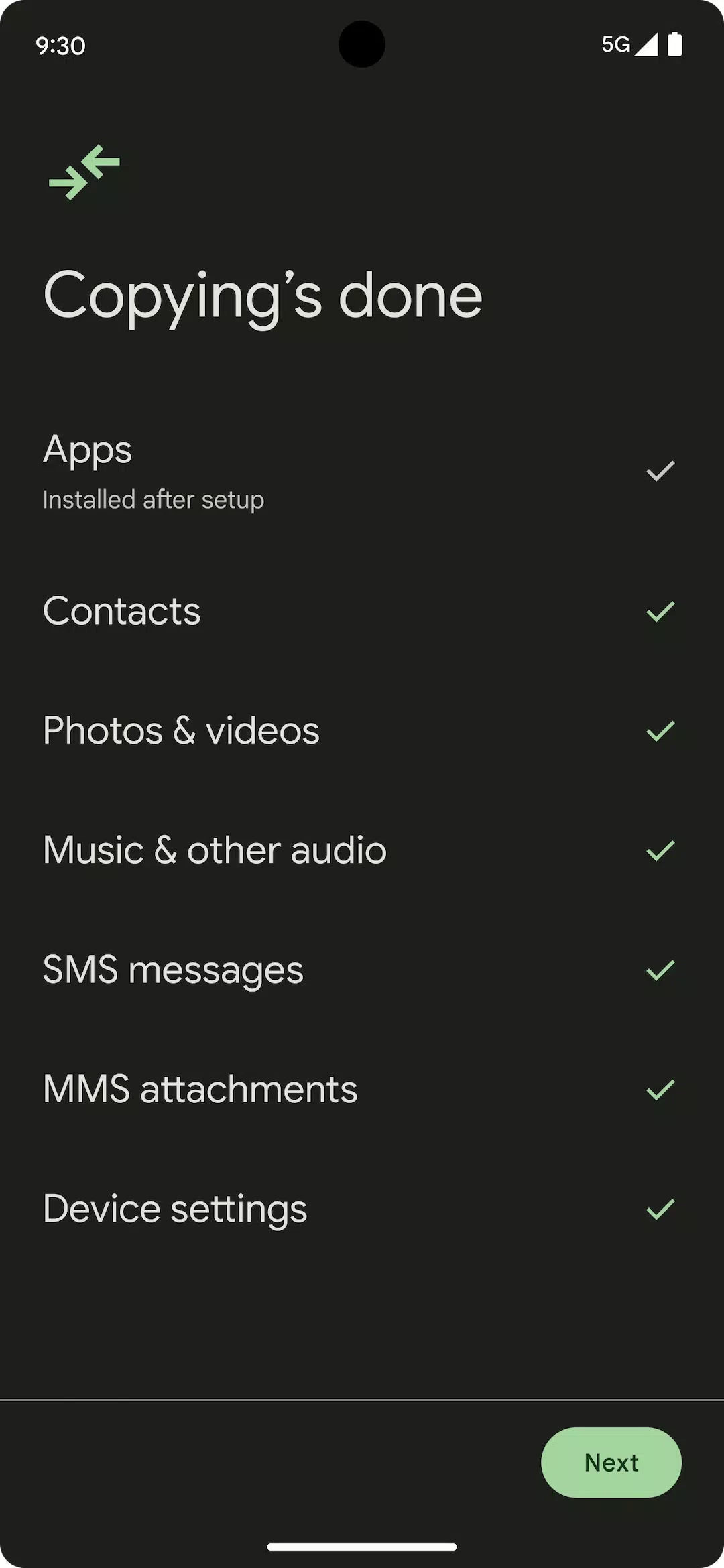
Android Switch 1.0.968680808 is Google's app for moving your data to a new Android phone. It copies photos, videos, contacts, messages, apps and other content from your old device, whether an Android phone or an iPhone, so the new phone feels familiar from the first day. The app is free, and you can download Android Switch from Google Play; on many new phones it is already built into the setup process.
Changing phones used to mean an afternoon of reinstalling apps, forwarding photos and retyping settings. Android Switch turns that into a guided process. During setup of a new phone, or later by opening the app, you connect the old and new devices with a cable or wirelessly, choose what to copy and let the transfer run. From another Android phone it can bring over apps, photos, contacts, calendar entries, messages and many settings. From an iPhone it helps move contacts, photos, messages and other data, and it reminds you to turn off iMessage so that texts reach your new phone. Some apps, particularly banking and messaging apps, keep their own data and need their own backup or sign-in on the new phone; plan for those separately.
The transfer happens between your own devices and your Google account. Use a cable or a trusted network, and do not leave phones unattended while data is being copied.
Phone makers offer their own transfer tools; in our listings, Samsung Smart Switch does this for Samsung devices. For moving files later, Quick Share, SHAREit and Xender send files between phones.
Google Play Store is Google's digital distribution platform for Android, used to find, install and update apps, games and books.

APKPure is a third-party app marketplace for Android that installs apps from APK files outside Google Play. This page covers version 3.20.7803.

Aptoide is an open-source alternative app store for Android, running since 2009. This page covers version 9.22.5.3.

QuickShortcutMaker is a small Android tool for creating home screen shortcuts to specific screens of installed apps, including hidden settings.